1. Understanding the Basics of Video Editing
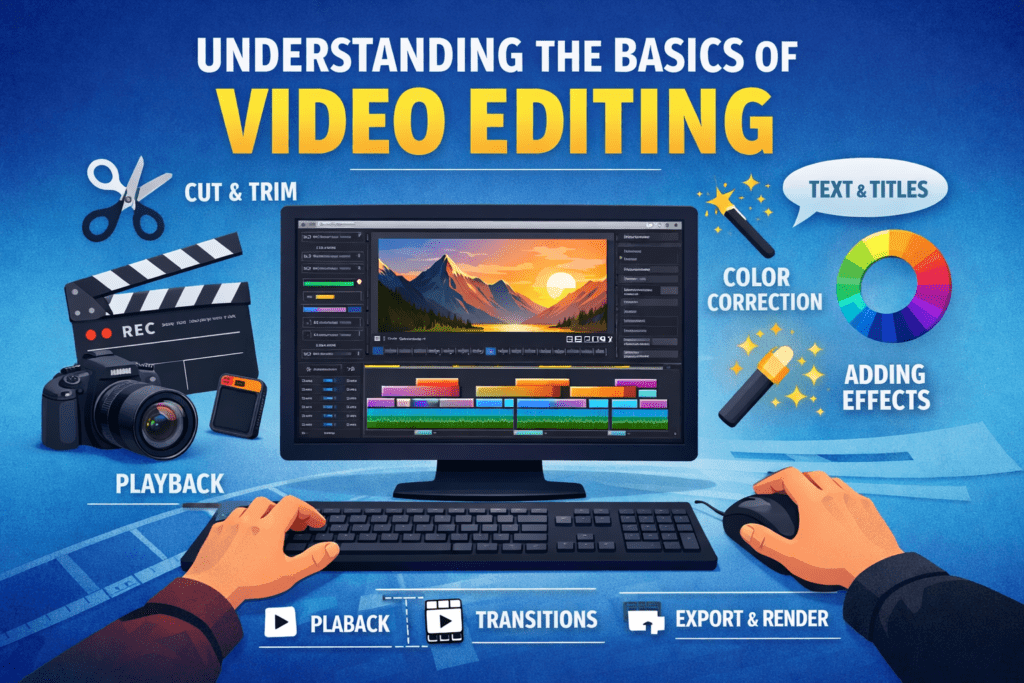
Understanding the basics of video editing means learning how raw clips are turned into a polished video. It includes cutting and arranging clips, improving audio, basic colour correction, adding simple transitions, and exporting videos to create clear, engaging, and professional content.
1. What Is Video Editing?
Video editing is the process of selecting, arranging, and refining video clips to create a clear, engaging final story. It involves cutting unwanted parts, organizing scenes, adding transitions, adjusting colours, improving audio, and exporting the finished video. For beginners, video editing is about learning how to turn raw footage into a smooth and watchable visual experience.
2. How Video Editing Enhances Storytelling
Good video editing brings a story to life by controlling pace, emotion, and flow. Through well-timed cuts, background music, and colour correction, editors guide the viewer’s attention and enhance the message. Editing helps highlight important moments, remove distractions, and create emotional impact, making videos more engaging and memorable.
3. Common Myths Beginners Believe
Many beginners think requires expensive software or advanced technical skills. Another common myth is that more effects make a video better, when clean cuts and clear storytelling matter more. Video editing is a learnable skill that improves with practice, not perfection.
2. Cut – Building the Foundation
Cutting is the first and most important step in video editing. It involves trimming unwanted parts, selecting the best shots, and arranging clips in the right order. A strong cut creates a clean structure, improves flow, and sets the foundation for storytelling.
1. Importing and Organizing Footage
The first step in video editing is importing all your raw clips into the editing software and organising them properly. Creating folders for videos, audio, and graphics helps you find files quickly and keeps the project clean.
2. Understanding the Timeline
The timeline is where your video comes together. It shows clips in the order they appear and allows you to control timing, pacing, and transitions. Learning how tracks and layers work helps beginners arrange scenes correctly and build a clear story.
3. Cutting and Trimming Clips
Cutting and trimming remove unnecessary parts of a clip and keep only the best moments. By shortening long shots and tightening scenes, you make the video more engaging and professional. Clean cuts are the foundation of effective video editing.
3. Colour – Enhancing Visual Quality
Colour – Enhancing Visual Quality improves video visuals by adjusting exposure, contrast, and white balance, then adding creative colour grading for consistent, polished colours that enhance mood, and viewer engagement.
1. Colour Correction vs Colour Grading
Color correction fixes issues like exposure, white balance, and colour balance for consistent, natural footage. Colour grading adds mood or style, giving videos a cinematic or branded look that enhances the overall visual storytelling.
2. Adjusting Exposure, Contrast, and White Balance
Proper exposure ensures your video is neither too dark nor too bright. Adjusting contrast adds depth by separating highlights and shadows, while correct white balance removes unwanted color casts, making skin tones and environments look realistic.
3. Maintaining Consistent Colors Across Clips
Consistency is key to professional-looking videos. Matching colors between different clips helps the video feel smooth and unified, especially when footage is shot at different times or with different cameras.
4. Create – Adding Life to Your Videos
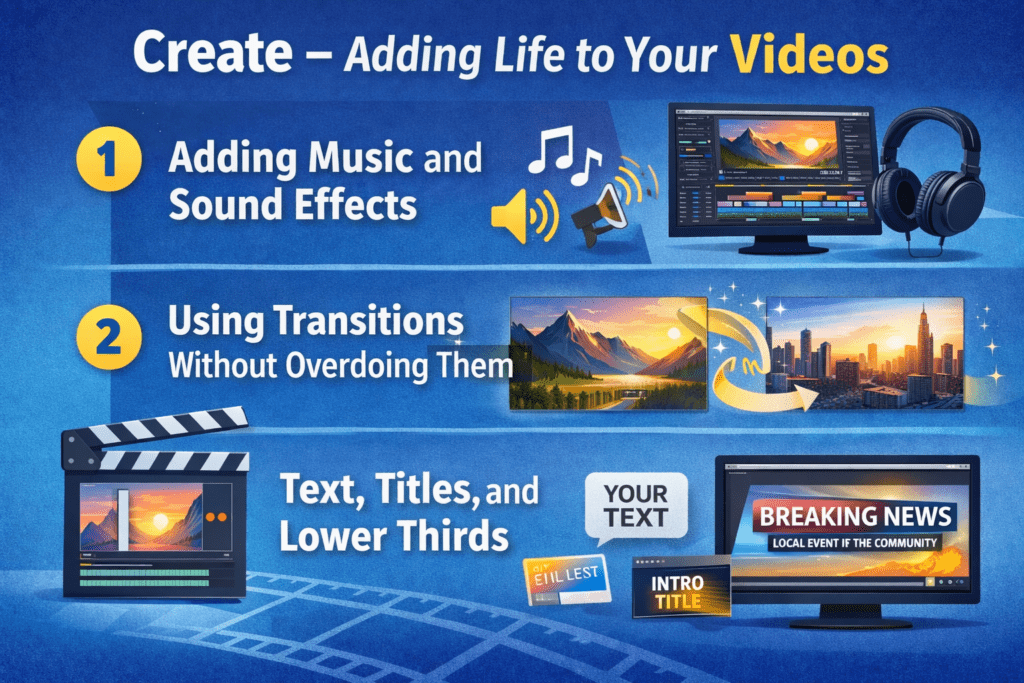
Create – Adding Life to Your Videos is the stage of video editing where creativity brings the video together using effects, transitions, music, text, and animations. It enhances storytelling, adds emotion and energy, and transforms a polished edit into an engaging, memorable viewing experience.
1. Adding Music and Sound Effects
Music sets the mood and emotion of your video, while sound effects add realism and impact. Choosing the right background track and syncing it with visuals helps keep viewers engaged and makes the story more powerful.
2. Using Transitions Without Overdoing Them
Transitions help connect scenes smoothly, but simplicity works best. Clean cuts and subtle fades keep the video professional, while overusing flashy transitions can distract from the message.
3. Text, Titles, and Lower Thirds
Text elements such as titles and lower thirds provide context, highlight key points, and introduce speakers. Clear typography and proper timing ensure text supports the story without overwhelming the visuals.
5. Choosing the Right Video Editing Software
Choosing the Right Video Editing Software means selecting a tool that matches your skill level, goals, and budget. The right software should be easy to use, support required features, work smoothly on your system, and help you edit videos efficiently for your intended platform.
1. Best Free Video Editing Tools for Beginners
Free video editing software is ideal for, offering basic features like cutting, trimming, color correction, and simple transitions, helping new editors practice and build skills without any cost.
2. Paid Software and When to Upgrade
Upgrading to paid software makes sense when you need advanced features such as professional colour grading, motion graphics, multi-camera editing, or faster performance. Paid tools are ideal for freelancers, content creators, and those aiming for high-quality, commercial-level videos.
3.Key Features Beginners Should Focus On
Beginners should prioritise an easy-to-use interface, a smooth timeline, basic colour and audio controls, export presets, and tutorial support. Focusing on these core features helps speed up learning and ensures a strong foundation in video editing.
6. Essential Editing Tips for Beginners
Essential Editing Tips for Beginners focuses on learning how to trim unnecessary clips, maintain smooth flow, balance audio, use simple transitions, and keep visuals consistent—helping beginners turn raw footage into clear, engaging, and professional-looking videos with confidence.
1. Keyboard Shortcuts to Speed Up Editing
Learning basic keyboard shortcuts can significantly reduce editing time. Simple commands for cutting, undoing, zooming the timeline, and previewing clips help beginners work faster and stay focused on creativity rather than repetitive actions.
2.Editing for Different Platforms (YouTube, Reels, Shorts)
Each platform has different requirements. YouTube favours longer horizontal videos, while Reels and Shorts work best in vertical format with quick cuts. Adjusting aspect ratios, pacing, and captions ensures your videos perform well across platforms.
3. Improving Audio Quality
Clear audio is just as important as visuals. Reducing background noise, balancing volume levels, and adding background music at a lower level can instantly improve the overall quality of your video and keep viewers engaged.
4. Keeping Viewers Engaged
To maintain attention, use tight cuts, varied visuals, text highlights, and smooth pacing. Removing unnecessary parts and adding subtle visual or audio changes helps keep the content dynamic and interesting from start to finish.
7. Practice and Skill Improvement
Practice and Skill Improvement refers to consistently applying what you learn, experimenting with techniques, and refining your abilities over time. Through regular practice, feedback, and repetition, you build confidence, accuracy, and mastery—turning basic knowledge into strong, practical skills.
1. Simple Daily Editing Exercises
Consistent practice is the fastest way to improve editing skills. Simple daily exercises like trimming clips, adding transitions, adjusting colour, or syncing music help beginners build muscle memory and confidence without feeling overwhelmed.
2. Learning From Professional Editors
Watching tutorials, breakdowns, and behind-the-scenes edits from professional editors provides valuable insights. Observing how experts structure timelines, use effects, and tell stories helps beginners understand industry-level techniques and creative thinking.
3. Building Your First Editing Portfolio
A portfolio showcases your progress and skills. Start by editing short videos, personal projects, or practice footage, and organize your best work into a simple showreel. This builds credibility and opens opportunities for freelance or creative projects.
8. Career Opportunities in Video Editing
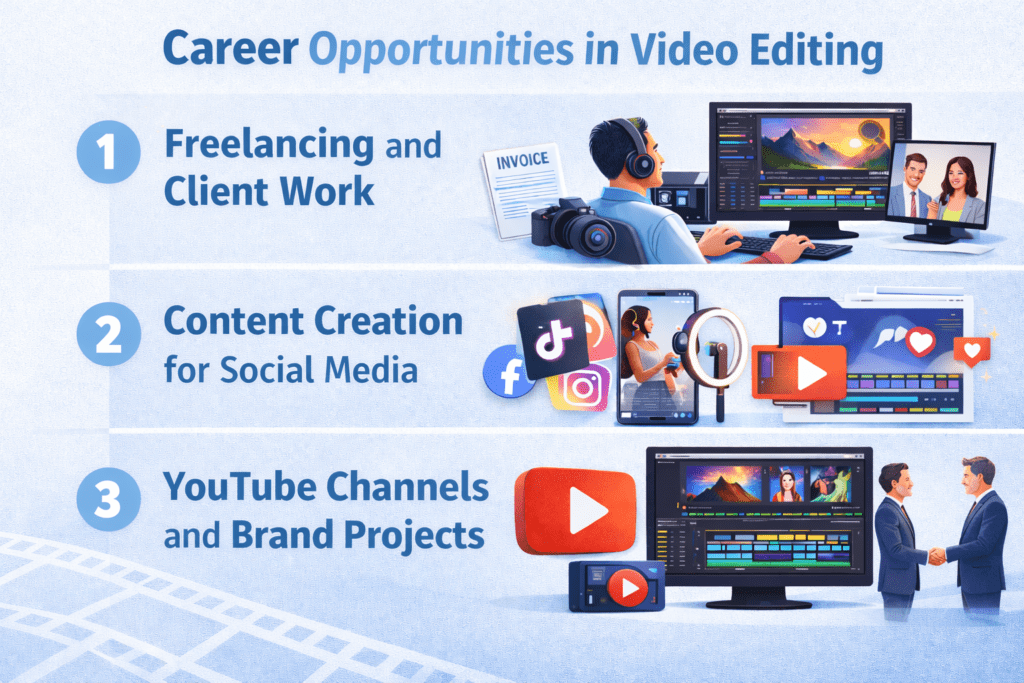
Career opportunities in video editing include various roles where creative and technical skills are used to produce engaging visual content. Editors can work in films, television, advertising, social media, YouTube, corporate videos, freelancing, and digital marketing—building flexible and in-demand careers.
1. Freelancing and Client Work
Video editing offers a wide range of strong freelancing opportunities, providing editors with the freedom to collaborate with clients across diverse industries. This flexibility allows them to choose the types of projects that match their skills and interests, set their own rates, and manage their schedules independently.
2. Content Creation for Social Media
With the rise of short-form platforms like Reels, Shorts, and TikTok, skilled video editors are in high demand. Creating fast-paced, engaging content for creators and brands offers consistent work, creative freedom, and opportunities to experiment with styles and trends, helping editors build strong portfolios and grow their careers.
3. YouTube Channels and Brand Projects
YouTube creators and brands depend on editors to craft high-quality, engaging videos that retain viewers. Working on long-form content, branded collaborations, and storytelling projects offers stable work, opportunities to showcase creativity, and long-term professional growth, helping editors build strong portfolios and advance their careers.
9. Understanding Different Editing Styles
Understanding Different Editing Styles means learning how various techniques and approaches affect the storytelling, mood, and pacing of a video. Each style—such as cinematic, fast-cut, documentary, vlog, or promotional—has its own rules and purposes. Knowing these helps editors choose the right style for the content and audience.
1. Linear vs Non-Linear Editing
Linear editing is the traditional method where clips are arranged sequentially, from start to finish. Changes require re-editing everything that comes after a cut, making it less flexible. Non-linear editing, used in modern software, allows clips to be arranged and edited in any order. Beginners benefit from non-linear editing as it provides flexibility, faster experimentation, and easier revisions, making the workflow more efficient and creative.
2. Narrative, Documentary, and Vlog Editing Styles
Editing styles vary depending on the type of content. Narrative editing focuses on storytelling, timing, and emotional impact, guiding viewers through a plot. Documentary editing emphasizes clarity, structure, and factual presentation, often incorporating interviews and voiceovers. Vlog editing is casual and fast-paced, using quick cuts, text overlays, and music to engage viewers. Understanding these styles helps beginners choose the right approach for their projects.
10. Visual Effects (VFX) and Motion Graphics Basics
Visual Effects (VFX) and Motion Graphics Basics refer to the foundational skills for enhancing videos with digital effects and animated elements. while motion graphics focus on animated text, shapes, and graphics to communicate ideas, making videos more engaging and dynamic.
1. Introduction to Visual Effects
Visual effects (VFX) add cinematic appeal to videos and enhance storytelling. Beginners can start with simple techniques like green screen compositing, masking, and layering clips to create seamless effects. These basics help bring imagination to life without needing advanced software skills.
2. Using Motion Graphics to Enhance Storytelling
Motion graphics make videos more dynamic and visually engaging. Adding animated text, shapes, icons, or infographics can highlight key points, emphasize important moments, and guide viewers’ attention. Even simple motion graphics can transform ordinary videos into professional-quality content that captures and retains audience interest.
11. Audio Editing and Sound Design
This includes cleaning up dialogue, balancing audio levels, adding background music, sound effects, and ambient sounds. Good audio editing ensures clarity, sets the mood, supports storytelling, and makes the video more professional and immersive.
1. Understanding Audio Layers
Audio is a critical part of video production. Beginners should learn to manage multiple layers, including dialogue, music, and sound effects. Proper layering ensures each element is clear, balanced, and enhances the storytelling without overpowering the visuals.
2. Using Equalizers, Compression, and Noise Reduction
Basic audio tools like equalizers, compression, and noise reduction can dramatically improve sound quality. Equalizers adjust frequency levels for clarity, compression balances loud and soft sounds, and noise reduction removes unwanted background noise. Mastering these tools helps create professional-sounding videos that engage viewers.
Learn Graphic Designing from GICT and Supercharge your growth
Conclusion
The Cut, Colour, and Create process guides beginners to trim and arrange clips, enhance visuals with color correction and grading, and bring videos to life using music, text, and effects. Consistent daily practice and experimentation help build confidence and improve skills. Next steps include exploring advanced editing techniques, creating a strong portfolio, and learning from professionals. By staying creative, persistent, and curious, beginner editors can turn raw footage into polished, engaging, and professional-quality videos.